Apple Updates Mac Studio Desktop
With their updated Mac Studio, now powered by M4 Max and M3 Ultra chips, Apple’s desktop line-up is more compelling and confusing than ever.
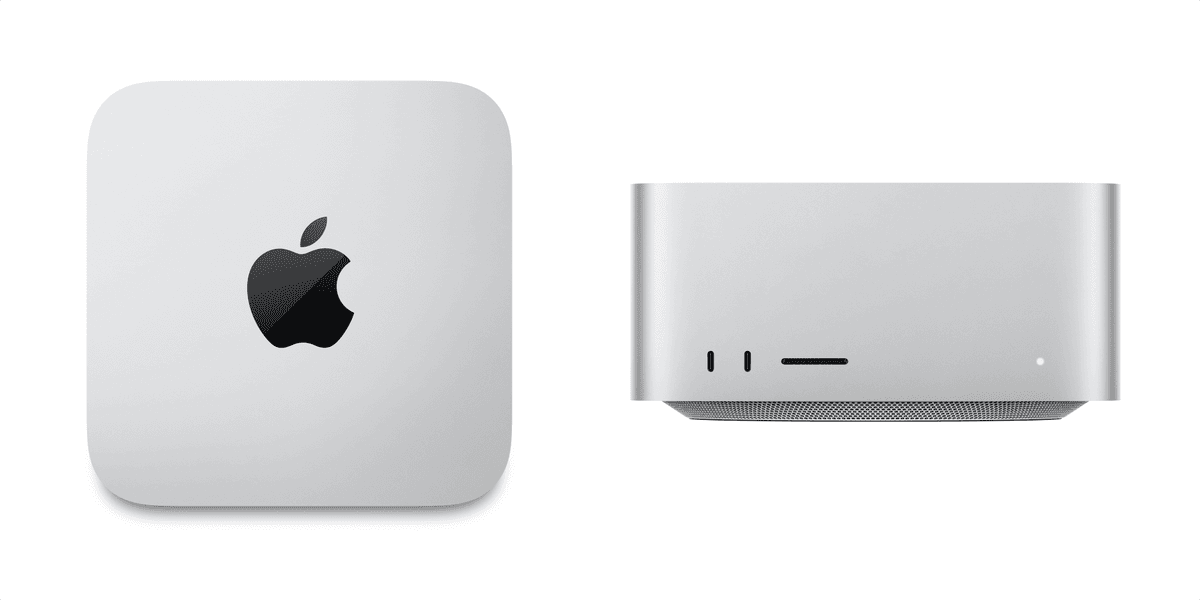

Apple’s desktop line-up is confusing. There’s a “Mac Mini” and a “Mac Pro,” but there’s no ordinary “Mac.” The split there makes some sense; home consumers should buy the Mac Mini, and professionals should buy the Mac Pro.
But what is the point of the iMac, which is less powerful than a Mac Mini, is functionally unrepairable, and has limited adjustability to the screen angle? And when the Mac Studio came out, it looked like a mid-point between the Mini and the Pro. But, with the latest update, the Mac Studio can be far more powerful than the Pro, in a far smaller body, for far less money. Huh?
This new update gets even more confusing with that, as it comes in two different skews: an entry-level model using Apple’s latest M4 Max chip, starting at $1,999, or an upgraded, more powerful version using their last generation M3 Ultra starting at $3,999. How can the previous generation be more powerful than the current one?
It comes down to the unique architecture of Apple’s chips. Each generation of Apple M-chip comes in standard, Max, or Ulta versions, but rather than these being fundamentally different chips, each is just multiple standard M-chips connected by a proprietary bridge. An M4 Max is two M4 chips sandwiched together; and the M4 Ultra is the same again. So, though individual M4 cores are more powerful than M3 cores, the M3 Ultra has far more cores to work with has the M4 Max, making it more powerful
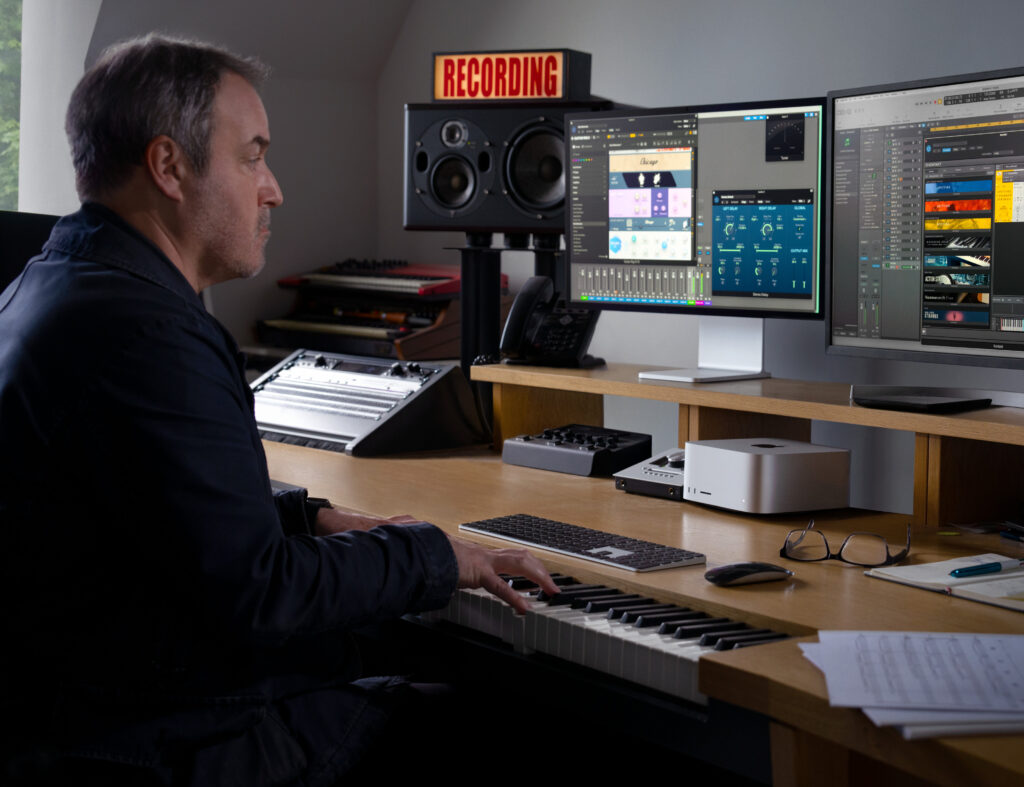
But why not update the whole line-up to M4? Perhaps due to thermal constraints of the small Max Studio chassis, but an oversupply of M3 chips would also explain this. Regardless, both versions of the Studio are compelling, incredibly powerful computers, and the entry prices aren’t bad by Apple’s standards, particularly if you’re an AI developer looking to work on a stack of these.
Regardless of which version you choose, the Studio starts with a colossal 96GB of RAM, upgradeable to 256GB — for an additional $1,600 — or 512GB, exclusively on the M3 Ultra version, for an extra $4,000. Storage starts at 1TB, but can upgraded to 16TB for an additional $4,600. Their value-for-money collapses the further you go up the RAM and storage upgrade ladder; but even so, there’s no other computer close to this small that can have 512GB of RAM, 16TB of storage, and the raw computer power of this.
All of this then asks the question: what is the point of the Mac Pro? The top-end Mac Studio is far more powerful than the Mac Studio; the Mac Pro takes up far more space; and if you compare a similarly specced Studio against various options of the Pro, the Pro is between $2,500 to $4,000 more expensive, for less power. The one advantage of the Pro is that you can add modular cards to its chassis, which can be helpful for specific developers and professional use cases. Still, you can solve this with Thunderbolt adapters for the Studio at a fraction of the price.

